The Unactioned inbox items metric shows the total number of inbox items that have been imported into your practice management software but not yet reviewed or filed by a practitioner. Monitoring this metric helps practice managers identify backlogs, follow up on overdue results, and ensure patients receive timely care.
NOTE: This metric is available to our Best Practice software integration customers.
To navigate to this metric, go to Performance insights > Unactioned inbox items
The sections included in this article related to the Unactioned inbox items metric are:
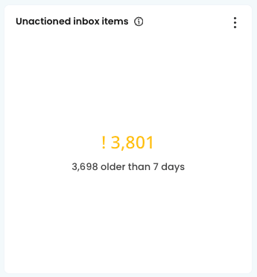
The top figure shows the total number of unactioned inbox items. The figure below shows how many of those items are older than 7 days.
Unactioned inbox items by Practitioner
This figure counts the number of unactioned inbox items by Practitioner (aged by the time since being imported). Hover over the columns to show the breakdown for each provider.
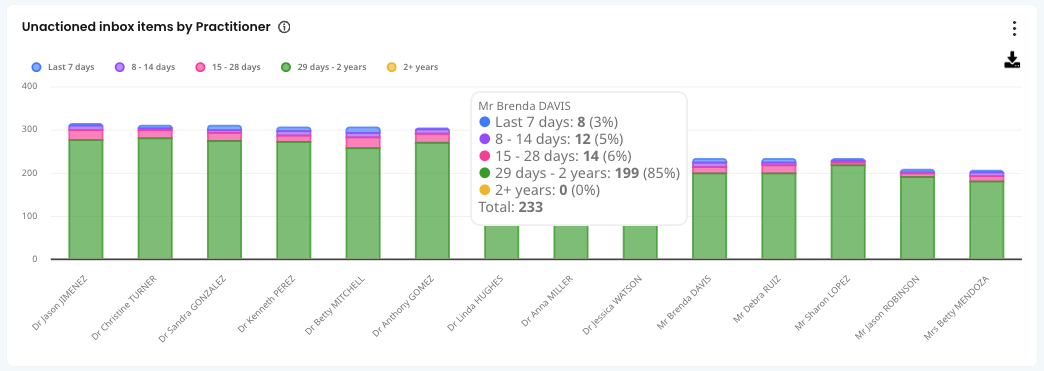
TOP TIP! Check this metric regularly to identify practitioners with a high number of unactioned or long-outstanding inbox items. Use the filters to narrow the list by practitioner. To print, select Print Preview from the sidebar, or download the table list using the download arrow.
List of unactioned inbox items
This list details all of the items in the inbox that have not been actioned.
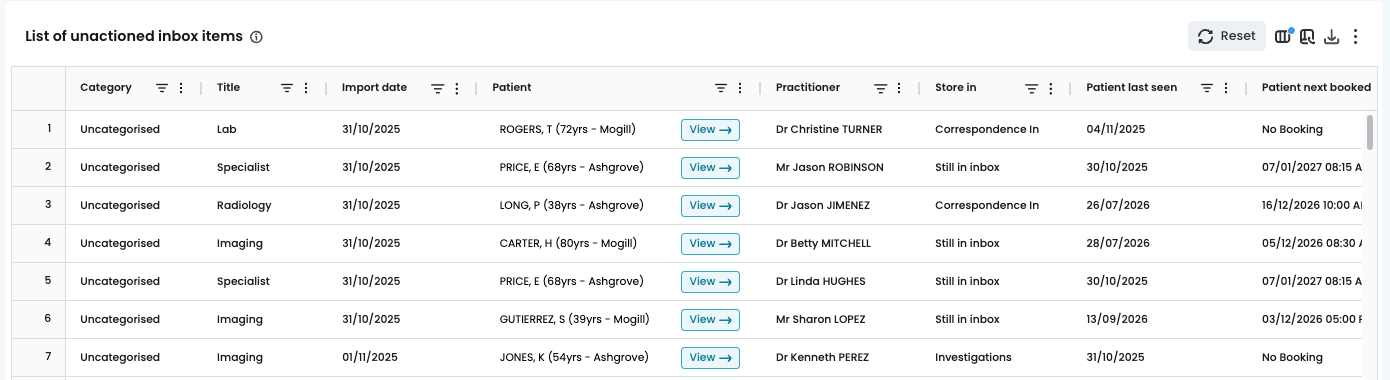
The list shows:
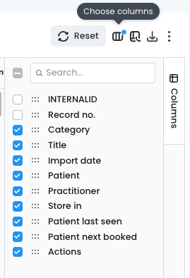
- Title: example: discharge summary, letter, blood count
- Store in: Correspondence, Investigations
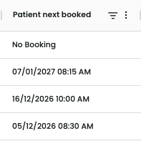
TOP TIP! Use the Patient's next booking date column to identify patients returning for results that have not yet been actioned. This gives the practitioner an opportunity to review those results before the patient's next appointment.